 Cron Shortcuts
Shortcuts on a schedule.
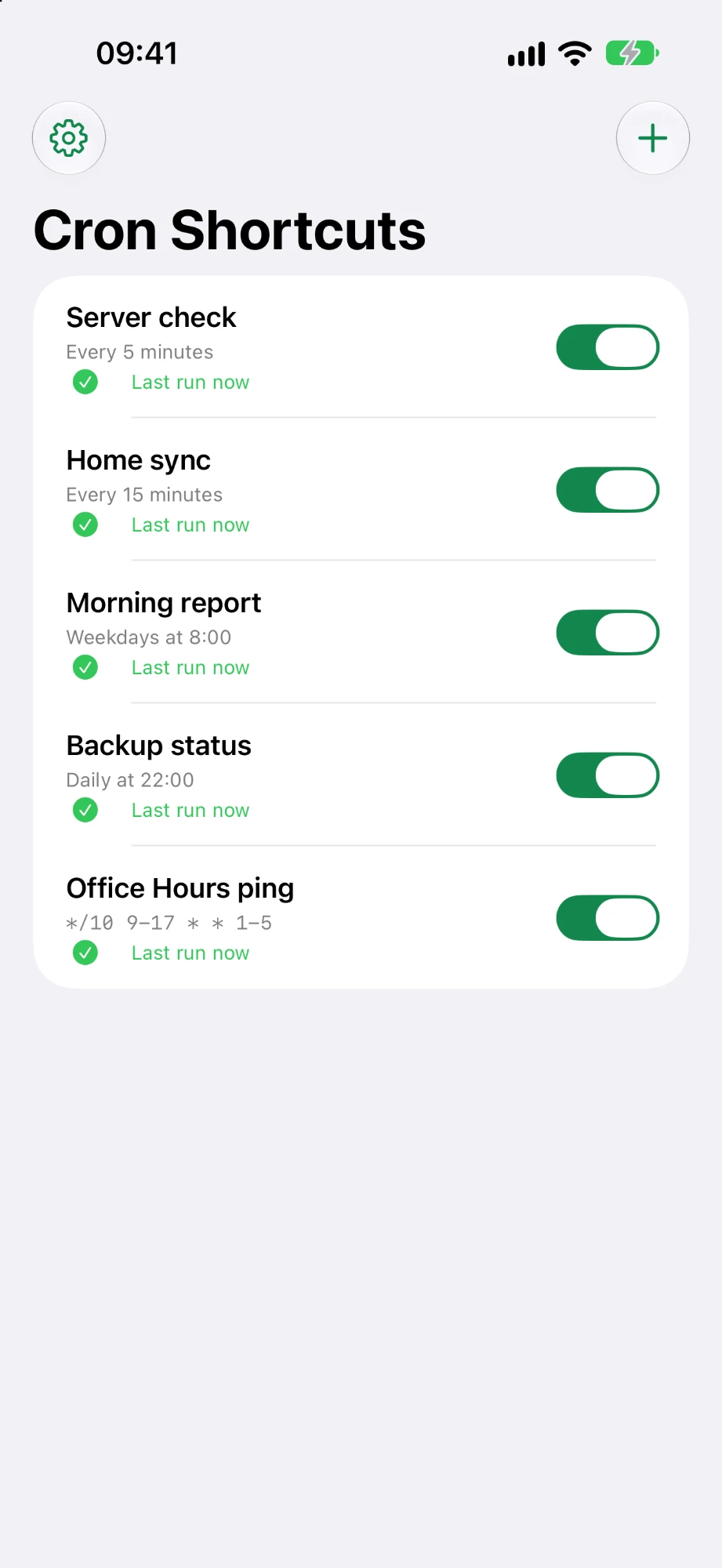
Cron Shortcuts runs your automations at fixed intervals or fixed times – every 5 minutes, hourly, on weekdays at 8, or with a real cron expression.
How it works Get the shortcut templateFor iPhone. Coming soon to the App Store.
Scheduling that Shortcuts doesn't have
Create a job, connect it to an automation once, and it keeps running on the clock.
Simple or cron
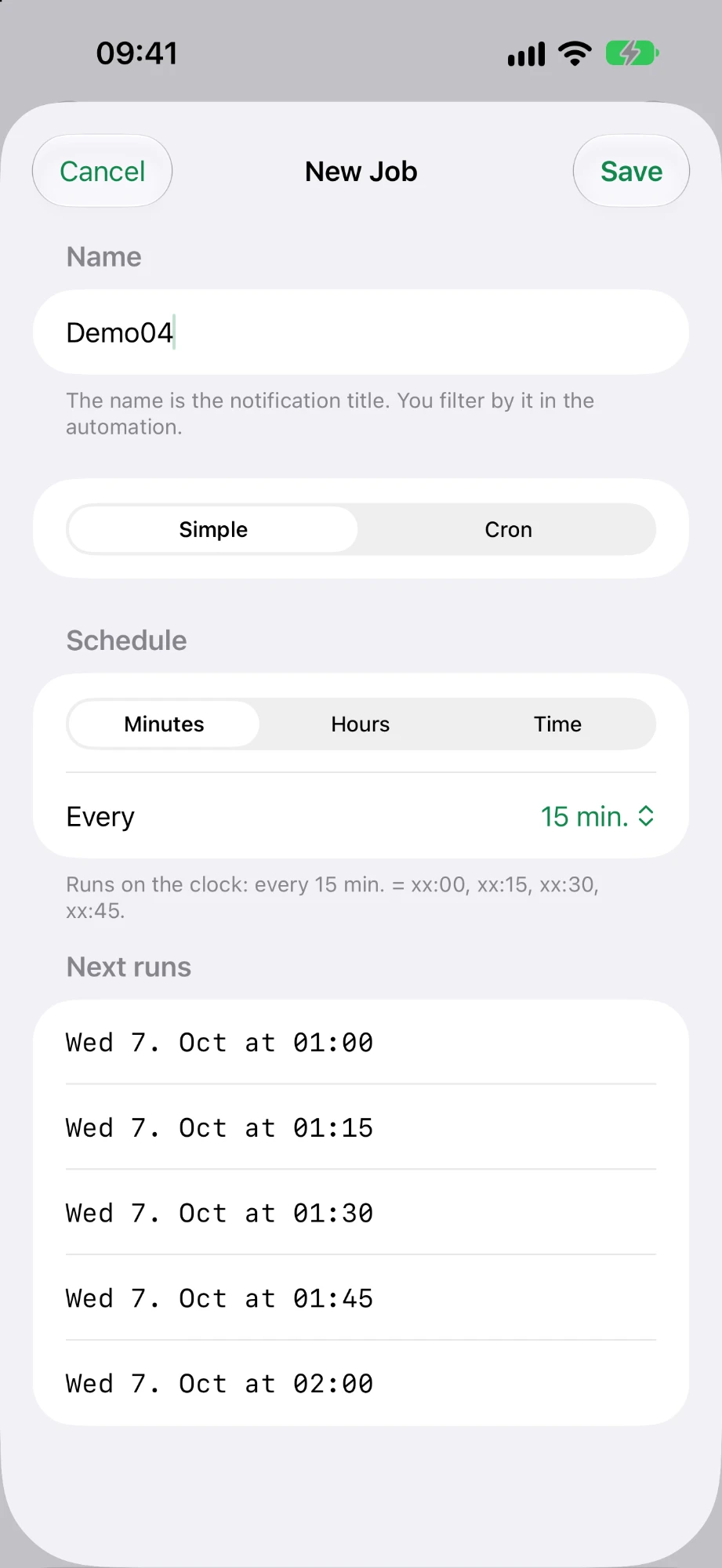
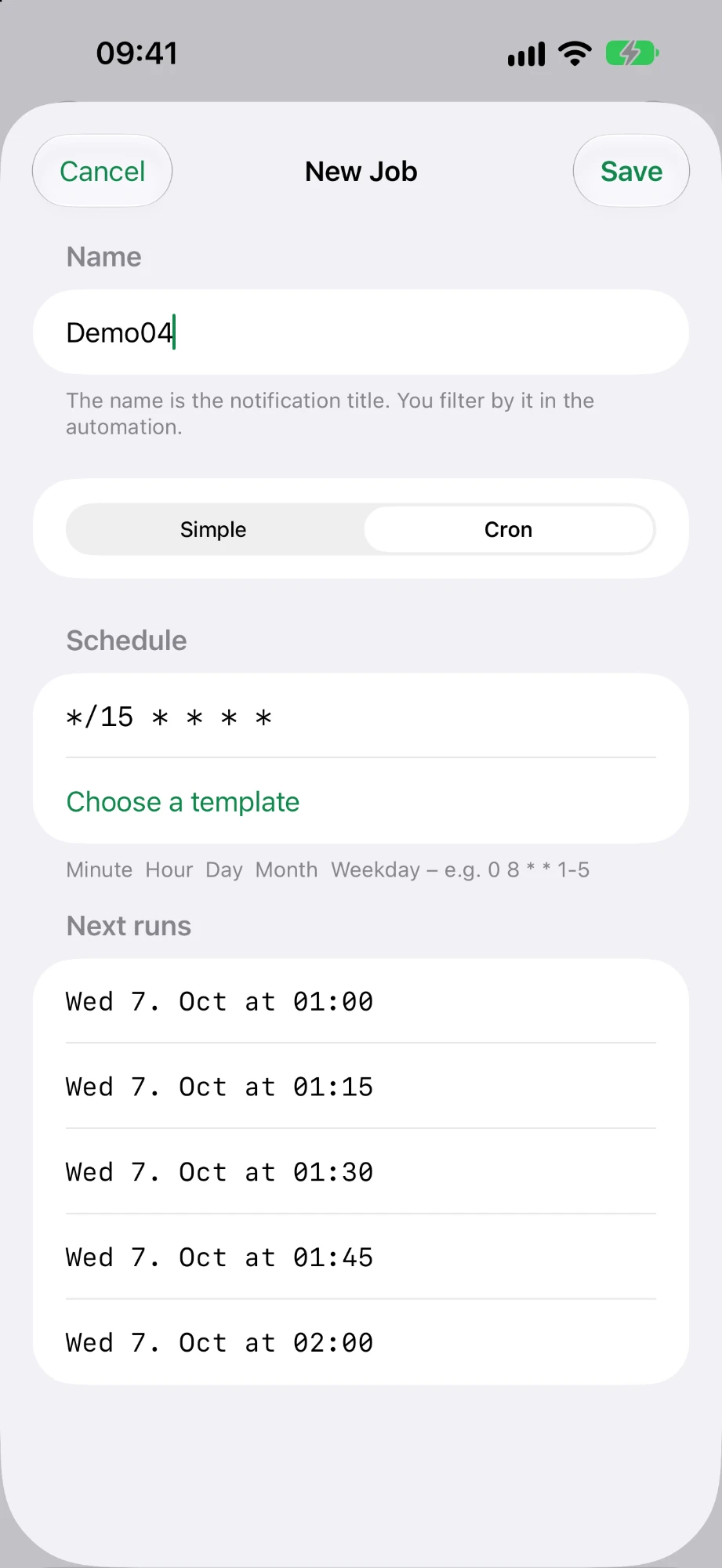
Pick an interval or a time of day – or type a five-field cron expression like 0 8 * * 1-5.
Preview the next runs
Every schedule shows its upcoming run times before you save, so there are no surprises.
See what ran
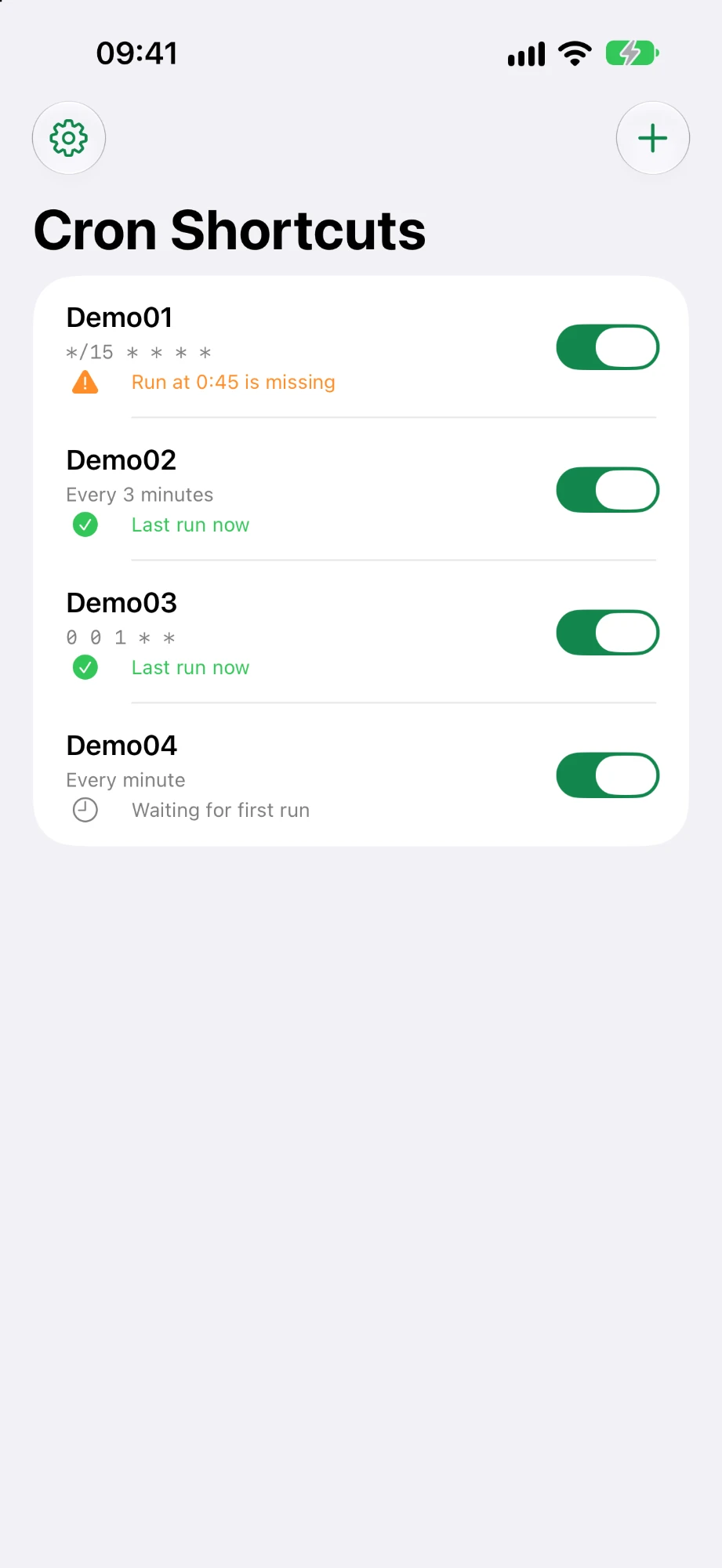
Each job shows its last run and warns you when a scheduled run is missing.
Works with any shortcut
Jobs trigger a regular Shortcuts automation, so anything you can build in Shortcuts can run on a schedule.
Templates included
Start from common schedules – every 15 minutes, hourly, weekdays at 8:00, monthly on the 1st.
Private by design
No account, no tracking, no servers. Your jobs stay on your device.
Two ways to set a schedule
Use the simple picker, or switch to cron when you need full control.